 LuLuMate
Your LUBA, smarter.
LuLuMate is a small unit that rides on your mower and gives it superpowers: mow any shape you draw, watch its camera, get it unstuck, catch a thief, and control it all from any phone or browser.
The things you wish your mower could do
Everyday mowing, plus features the standard app doesn't have — in a clean app that works on any phone, tablet or computer.
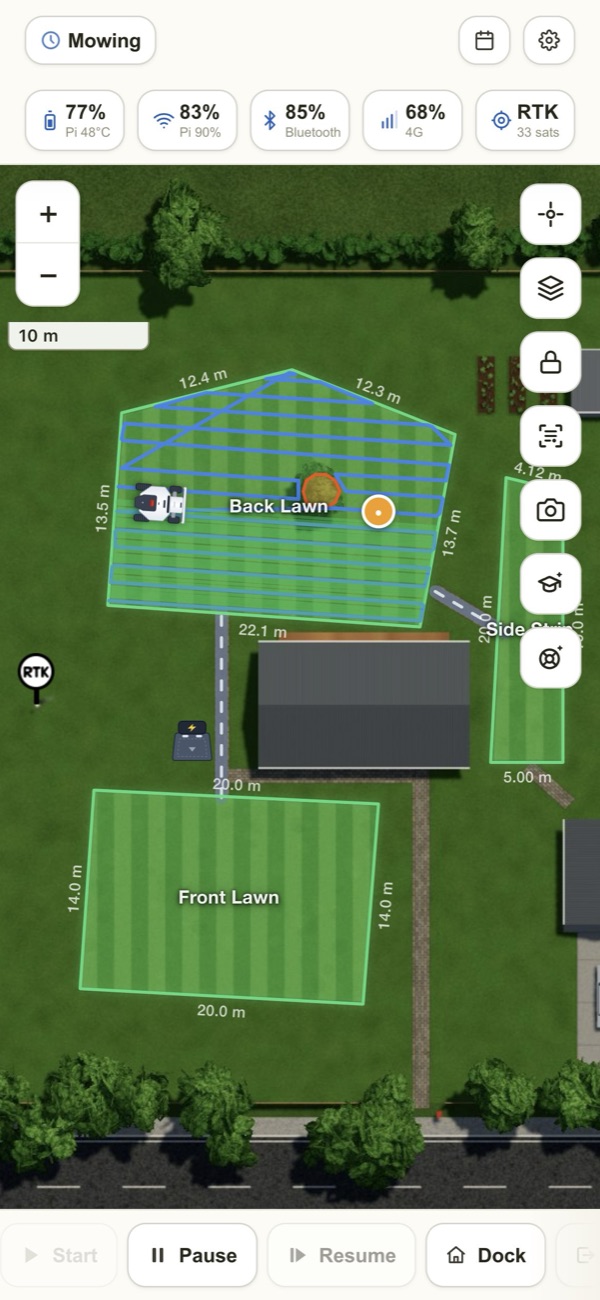
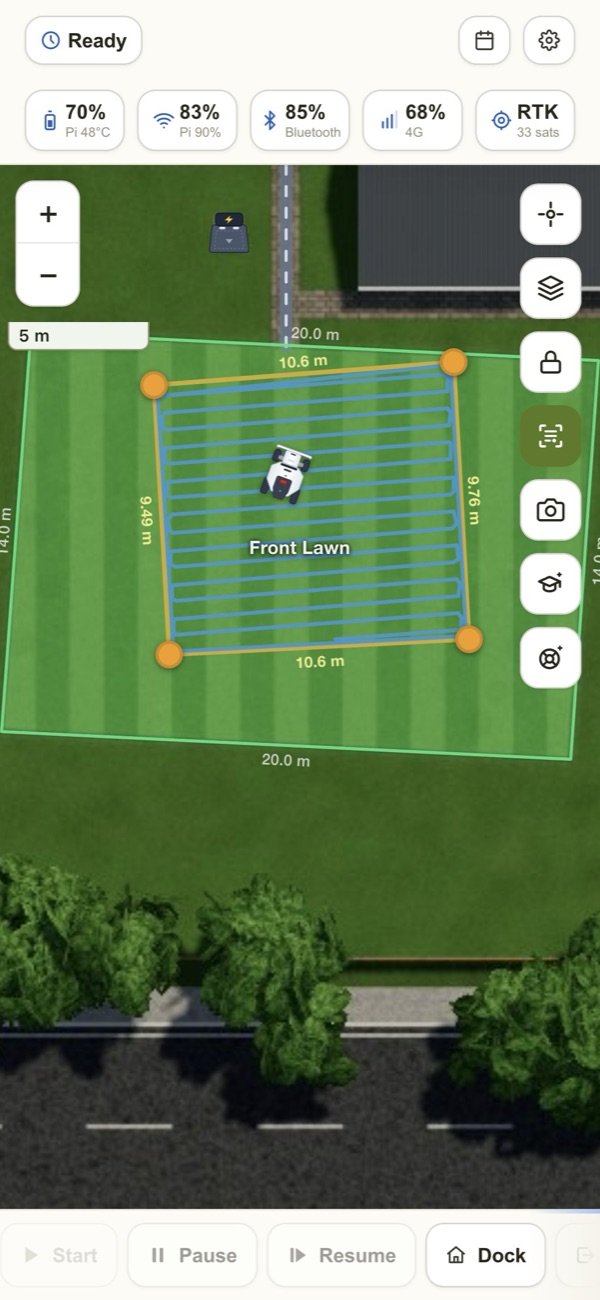
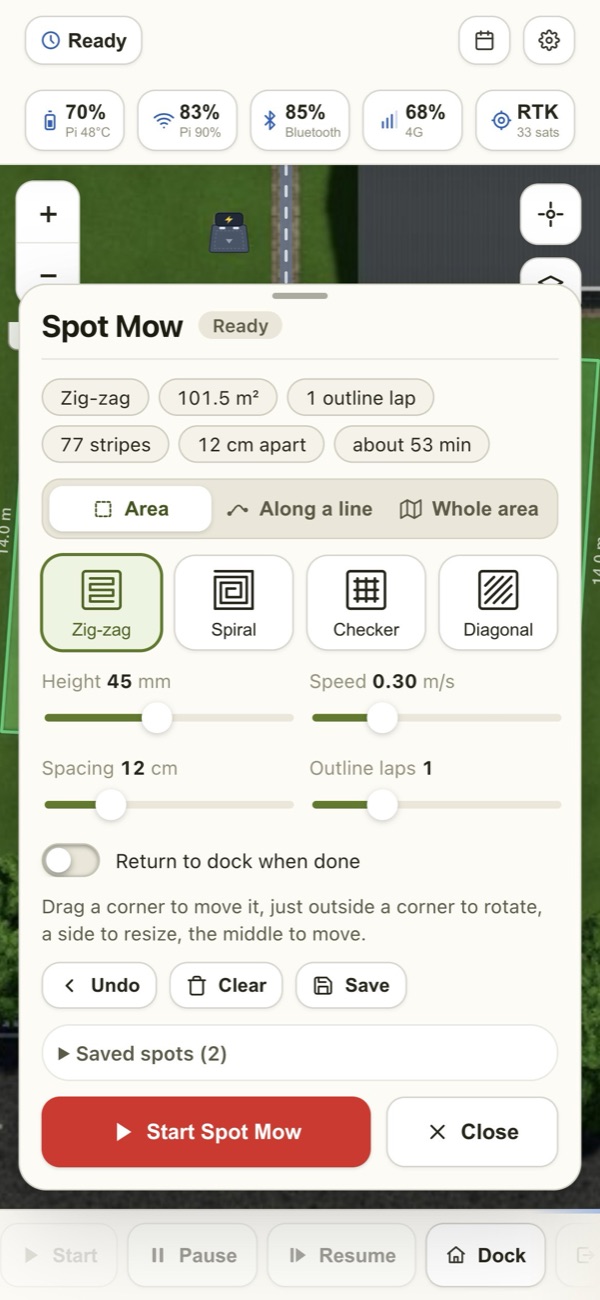
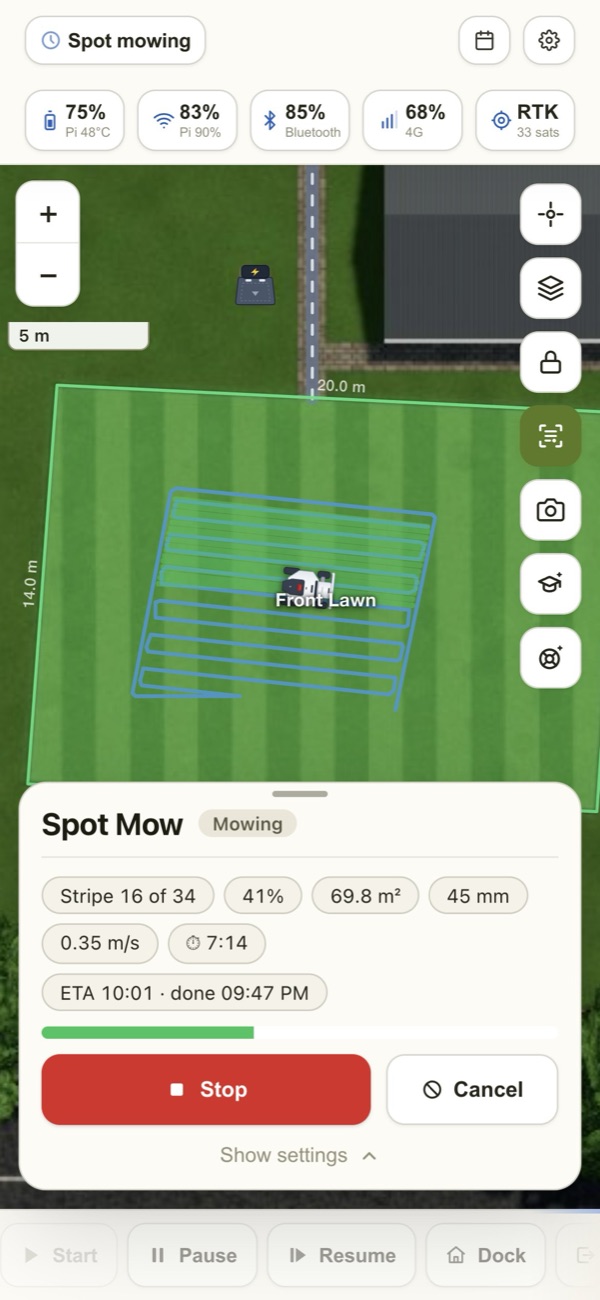
Spot mow any shape
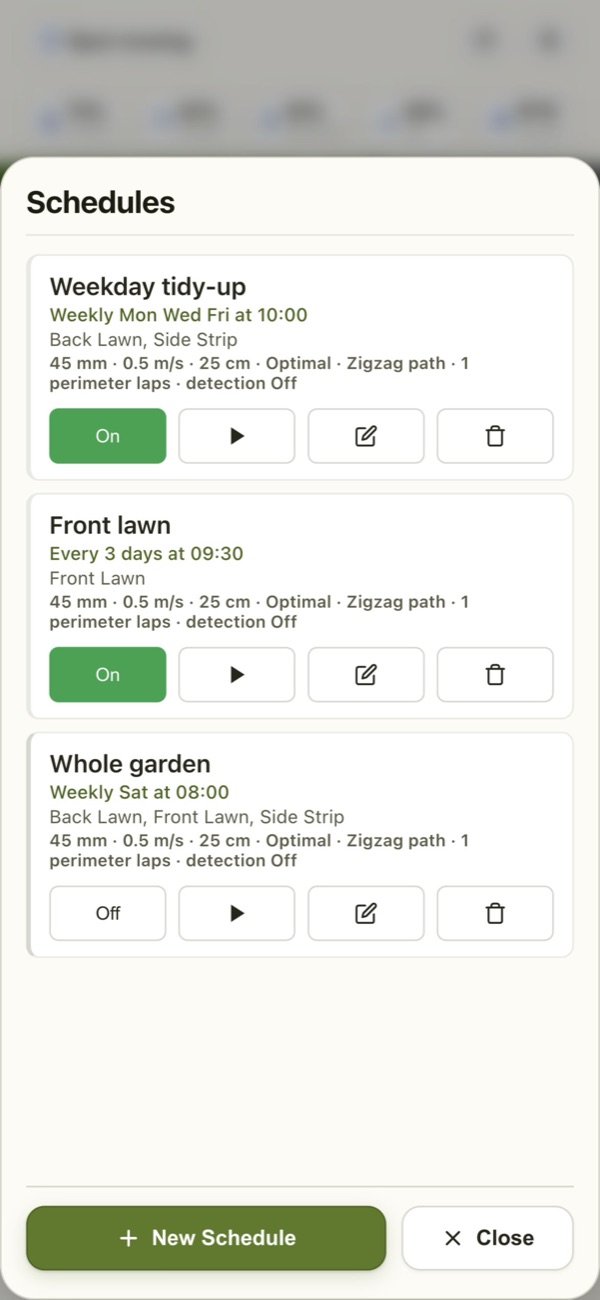
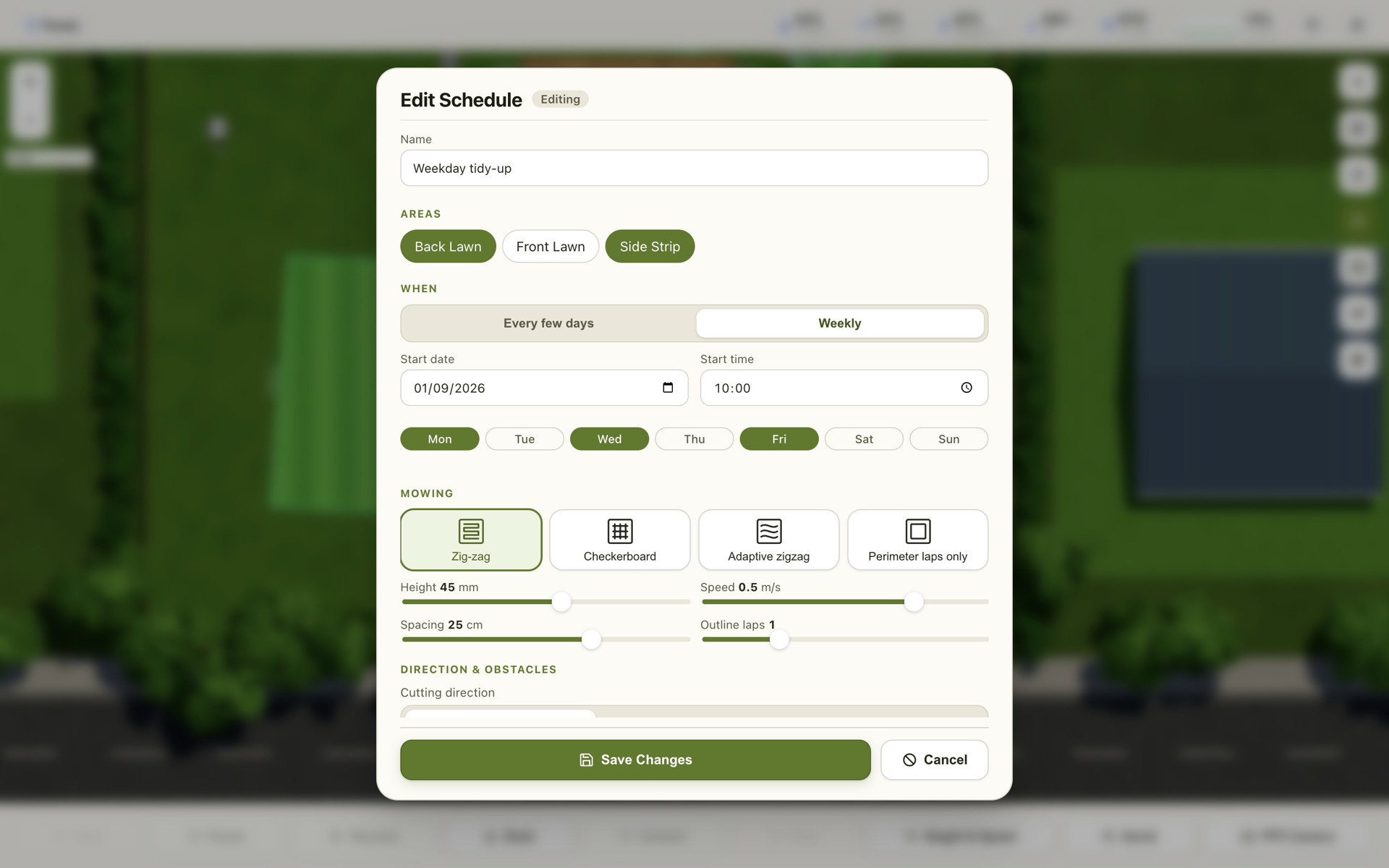
Draw a shape, a strip along a line, or pick a whole area. Zig-zag, spiral, checkerboard or diagonal, with outline laps, saved spots and schedules.
Live camera
Watch what the mower sees, with the headlamp, in a window you can move and resize — full screen on a phone turned sideways.
Ai Recover & Find Dock
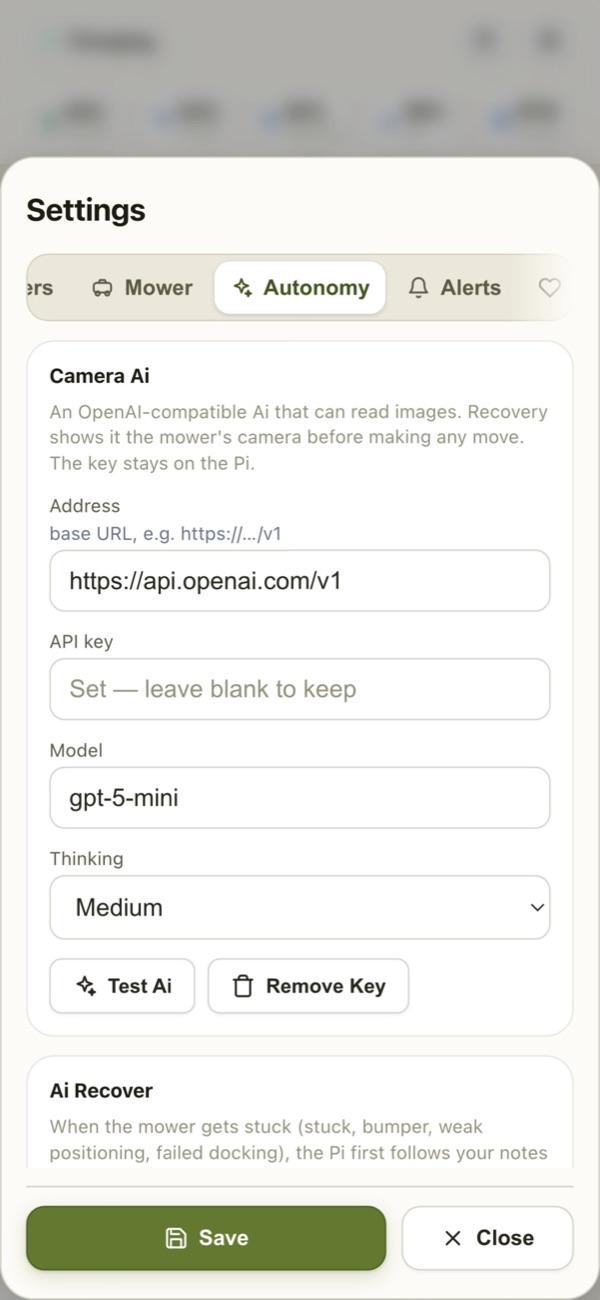
When it gets stuck or loses the dock, the camera Ai and the map work out what to do — and ask you first if you like.
Theft alarm
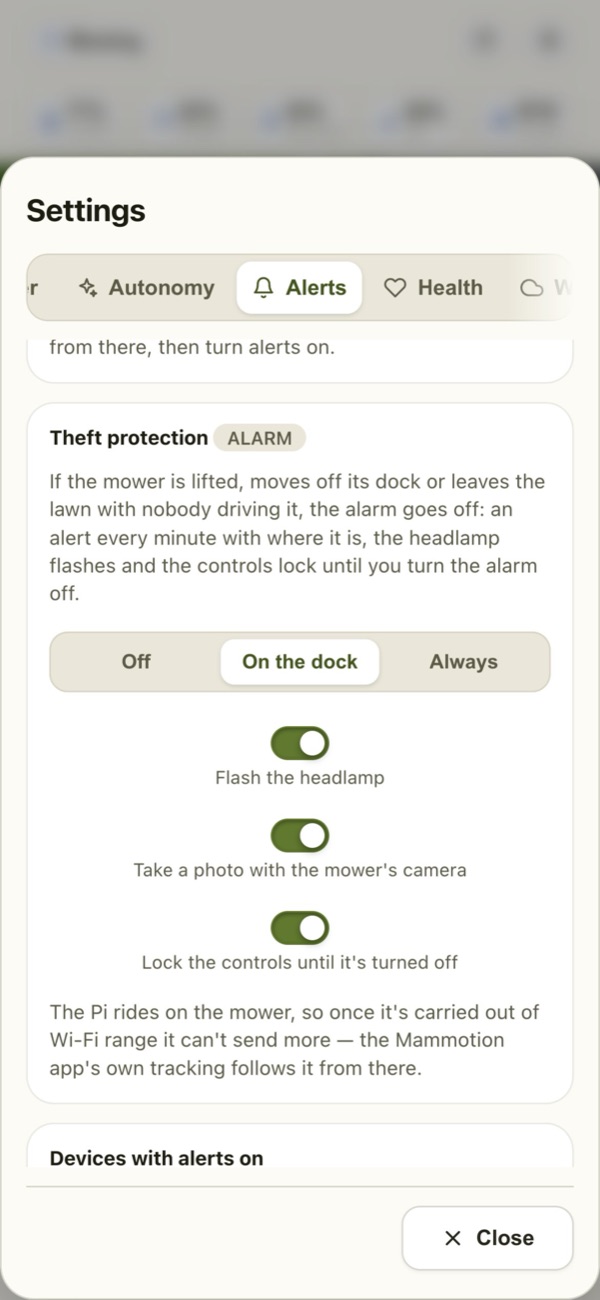
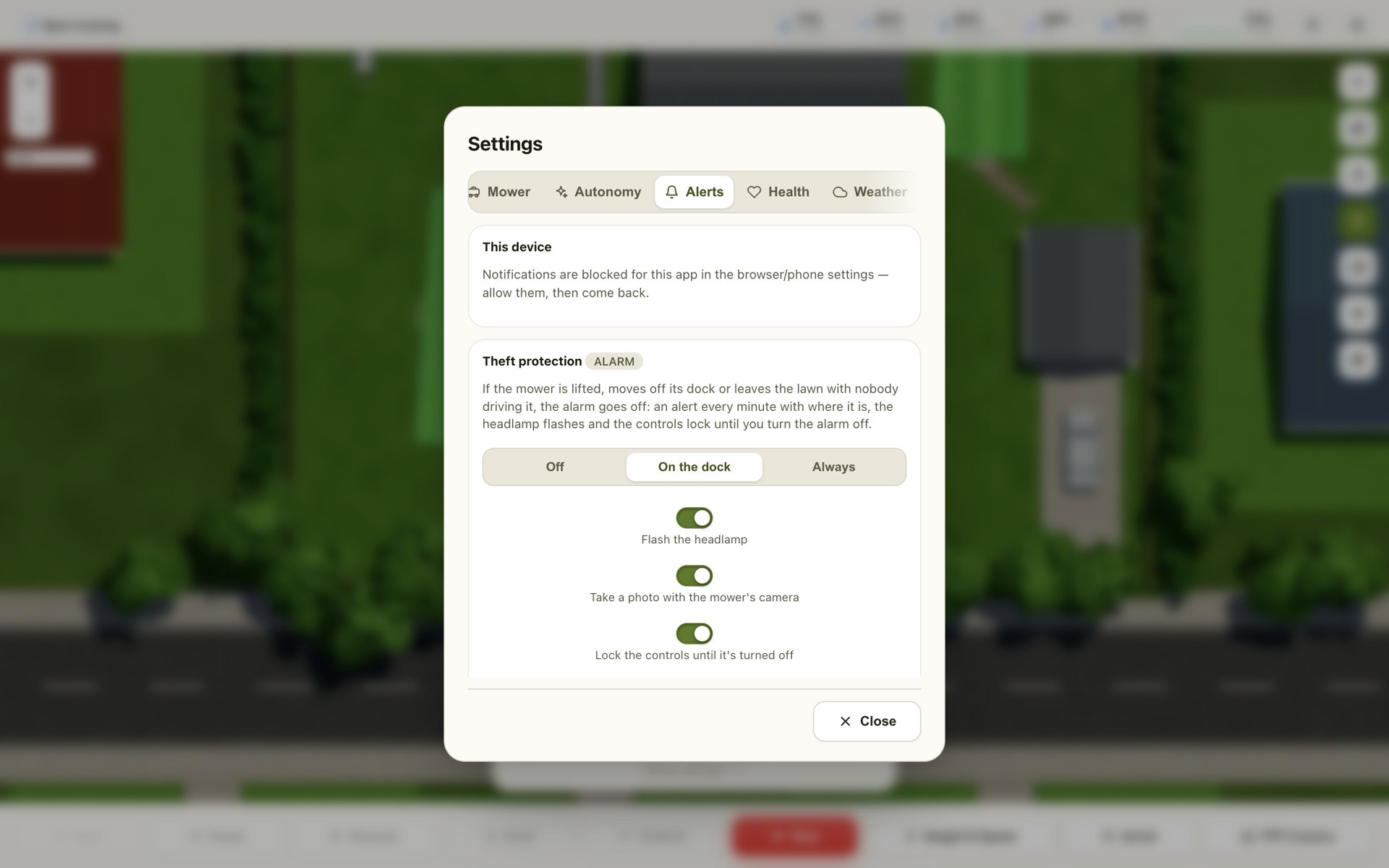
Lift it or drive it off the dock and your phone knows: alerts with its position, a flashing headlamp, a photo, and locked controls.
Alerts on your phone
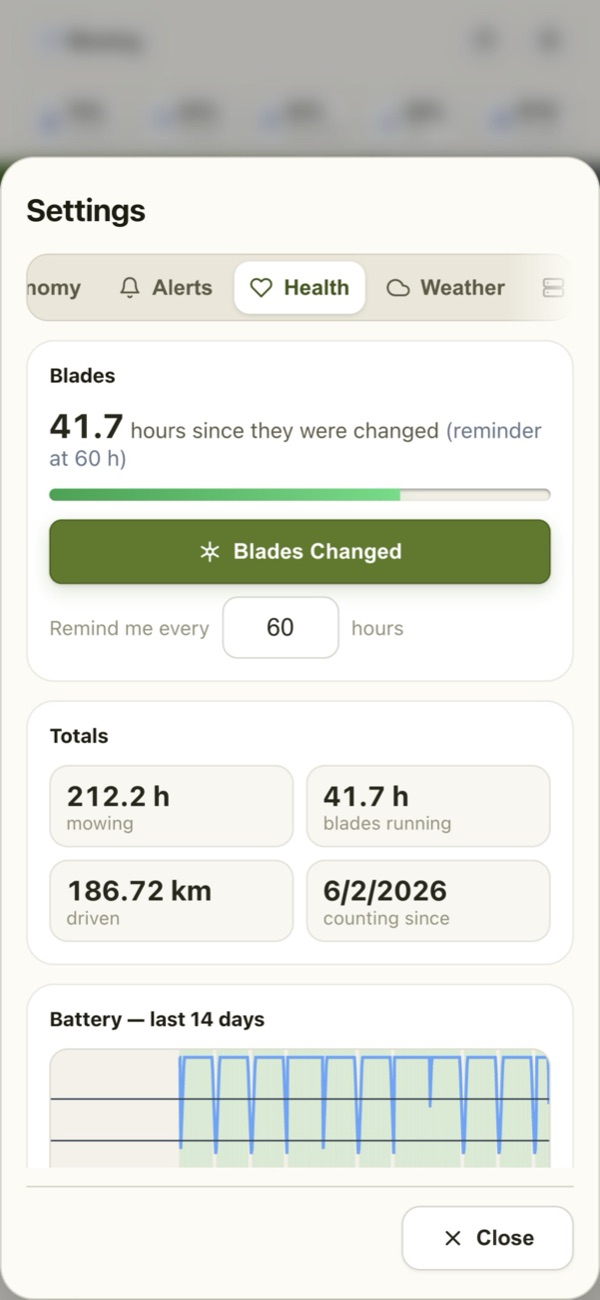
Finished, stuck, battery low, offline, rain delay, maintenance due — the alerts you choose, on every device you choose.
Home Assistant ready
Appears in Home Assistant by itself, with controls, battery, status and its position. Siri Shortcuts and other apps too.
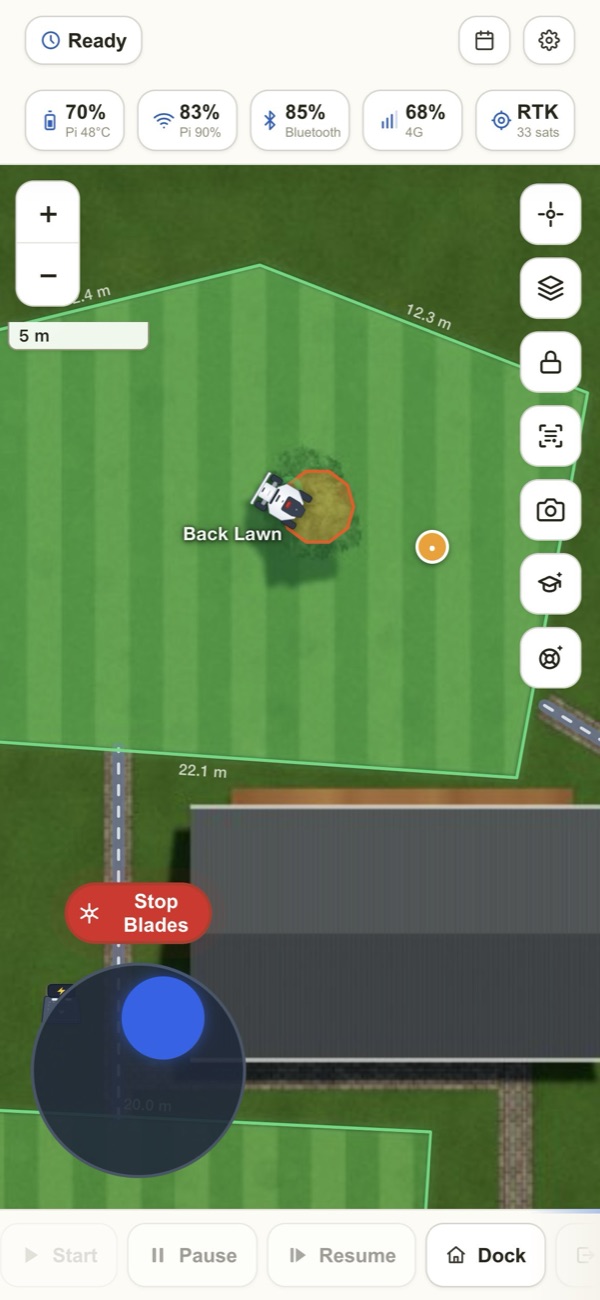
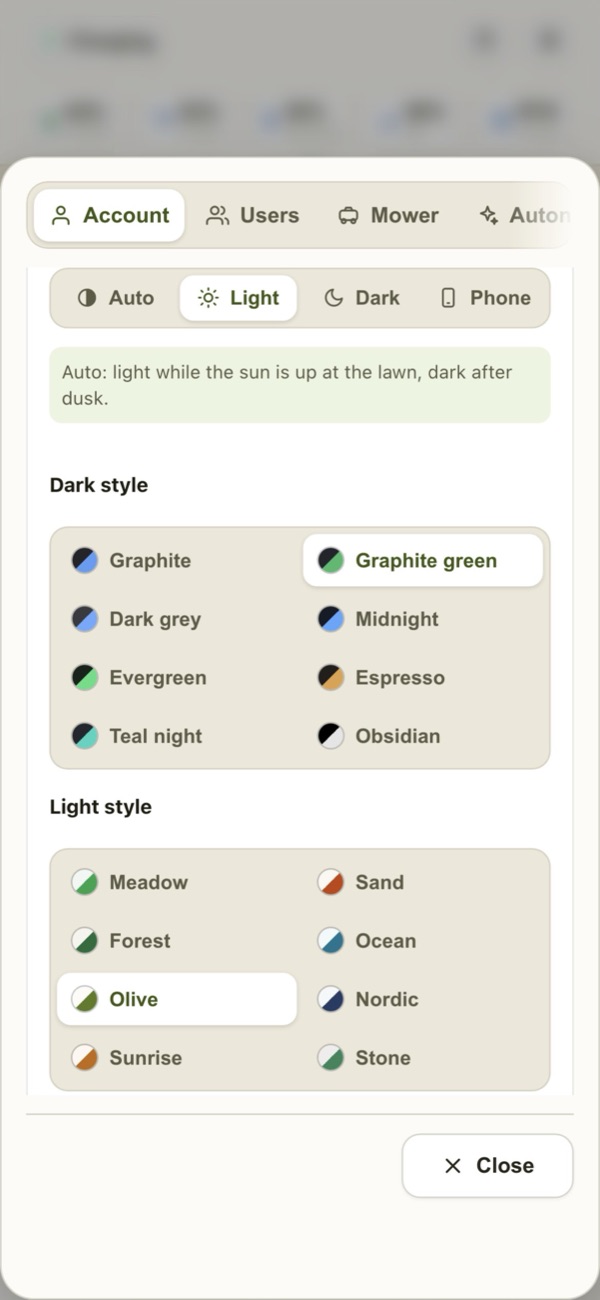
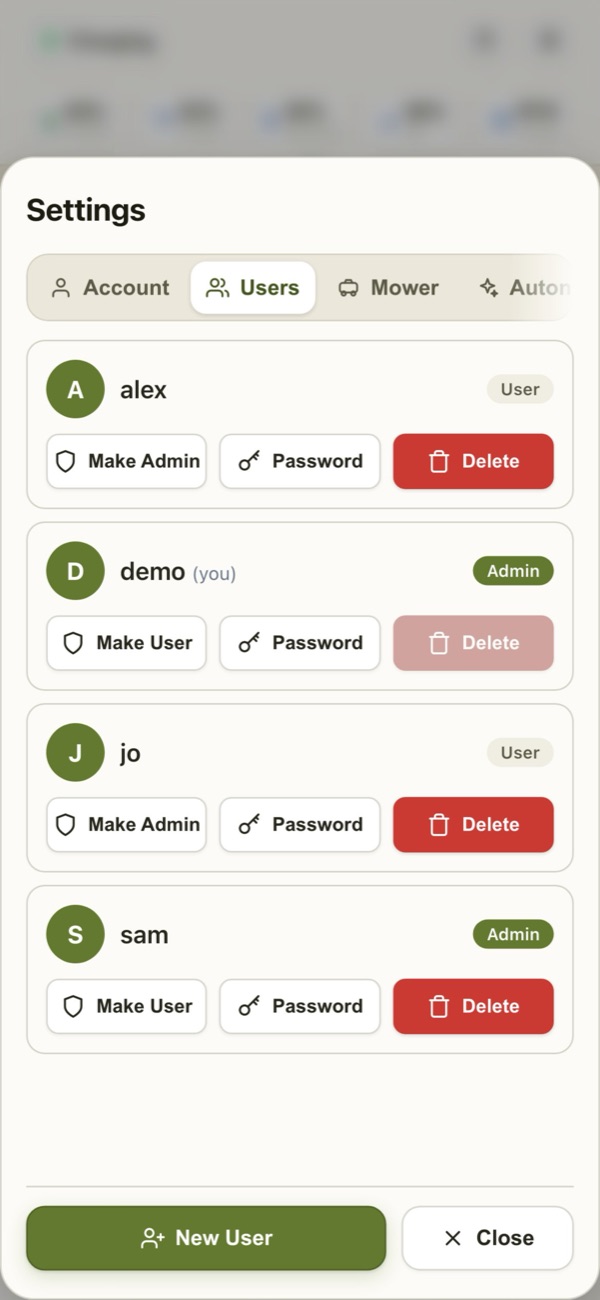
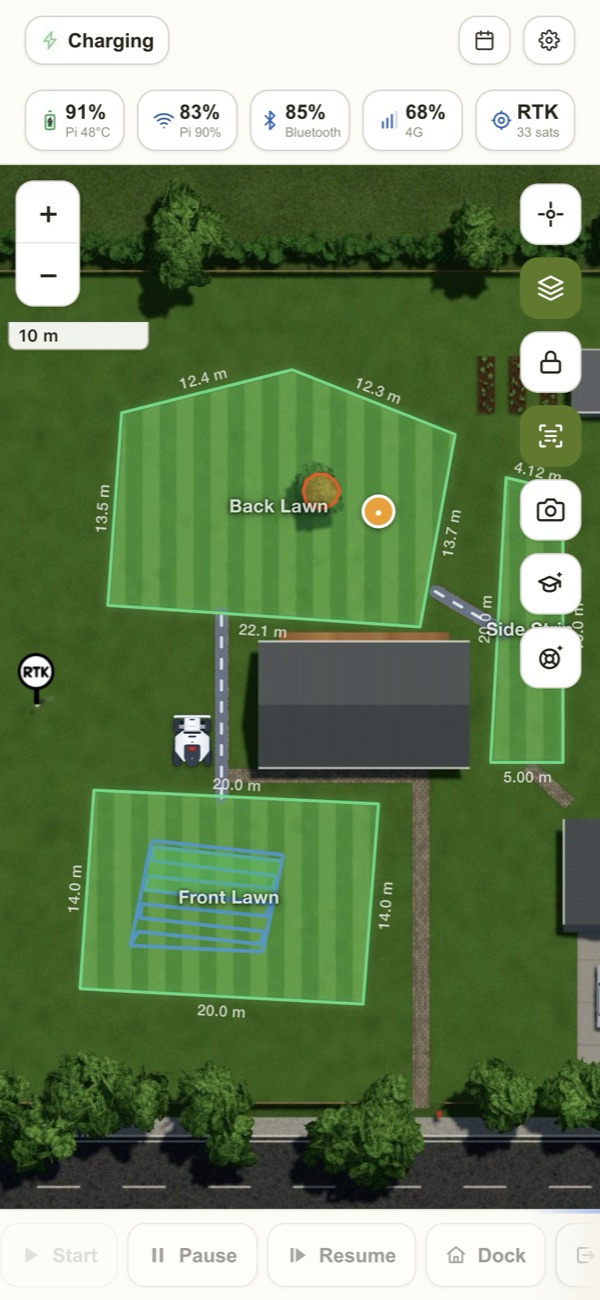
The real app, on a real phone
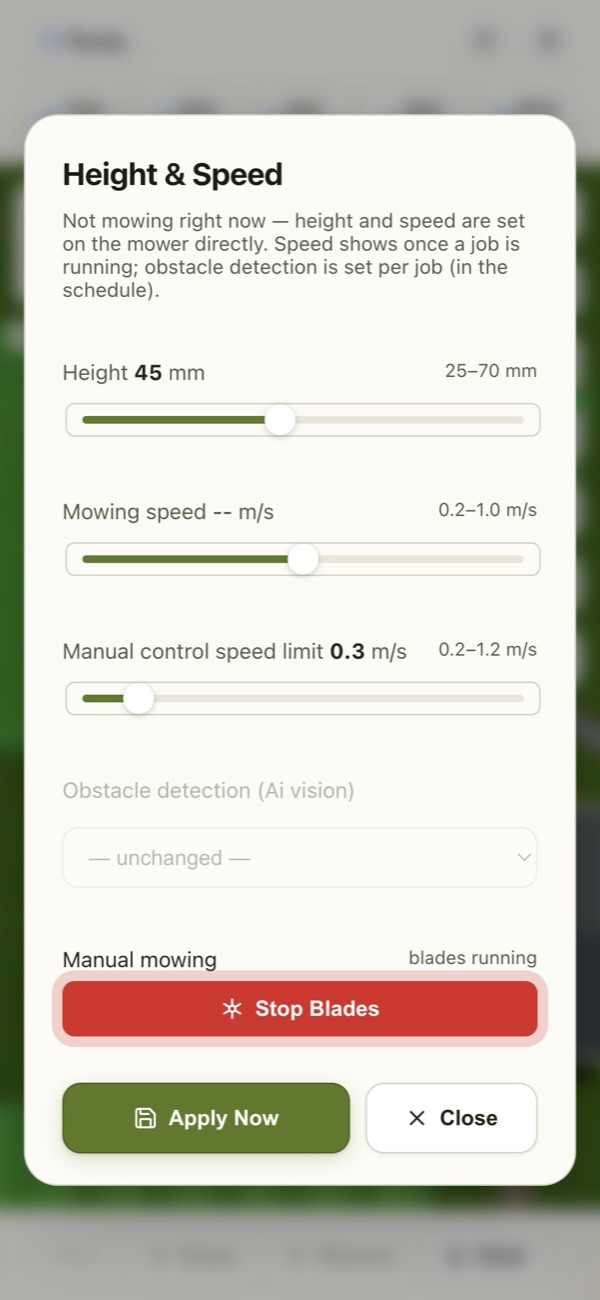
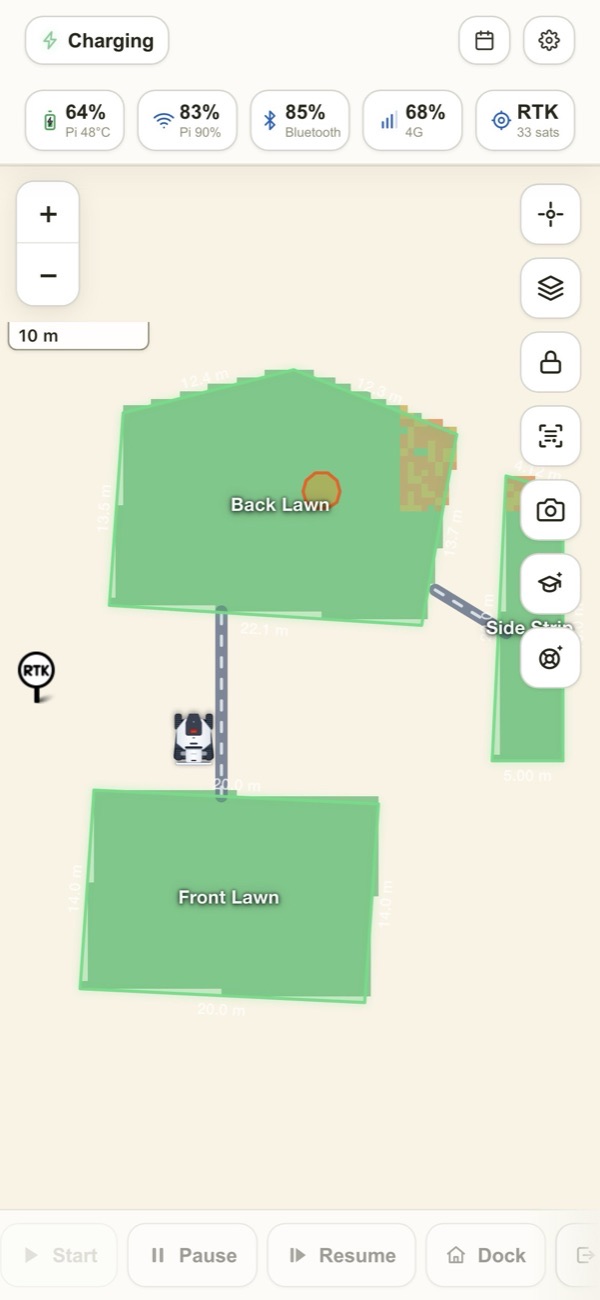
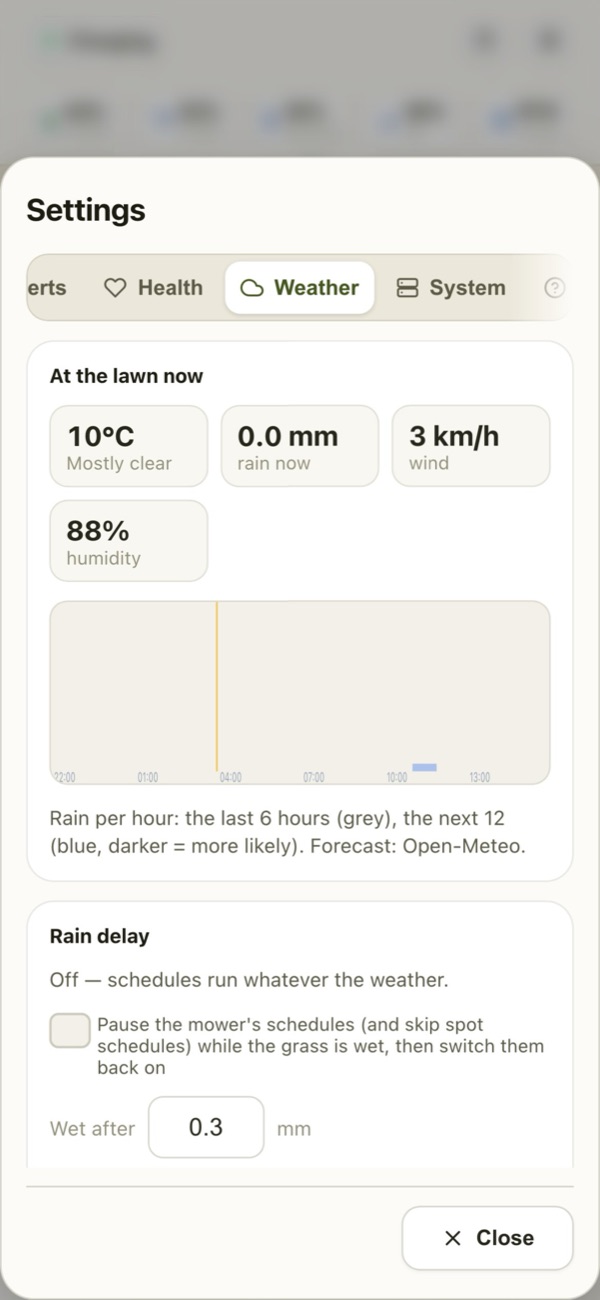
Use the arrows (or swipe) — every picture is LuLuMate itself, running a demo garden.
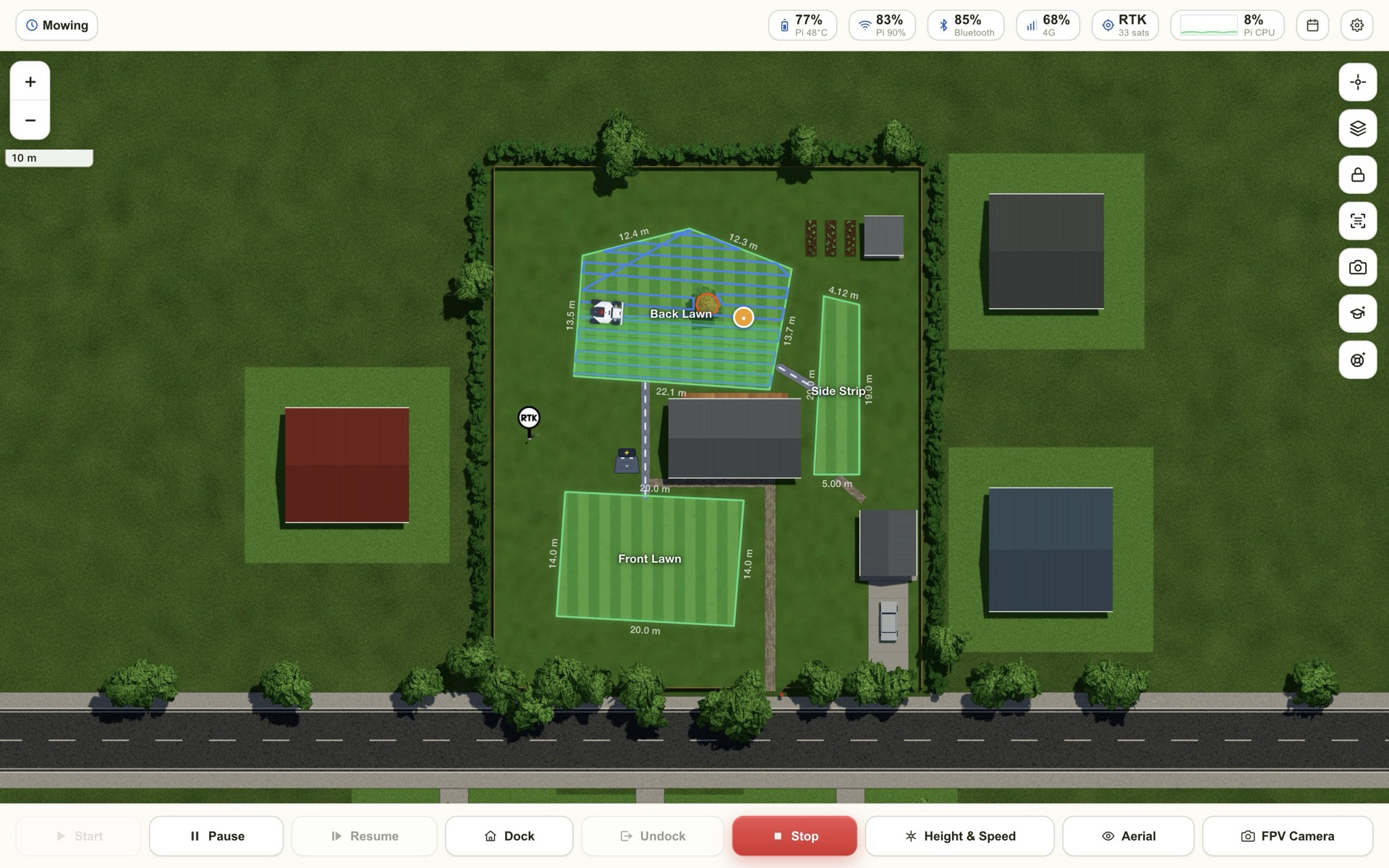
On a computer, too
The same app in any browser, with room to see the whole garden.
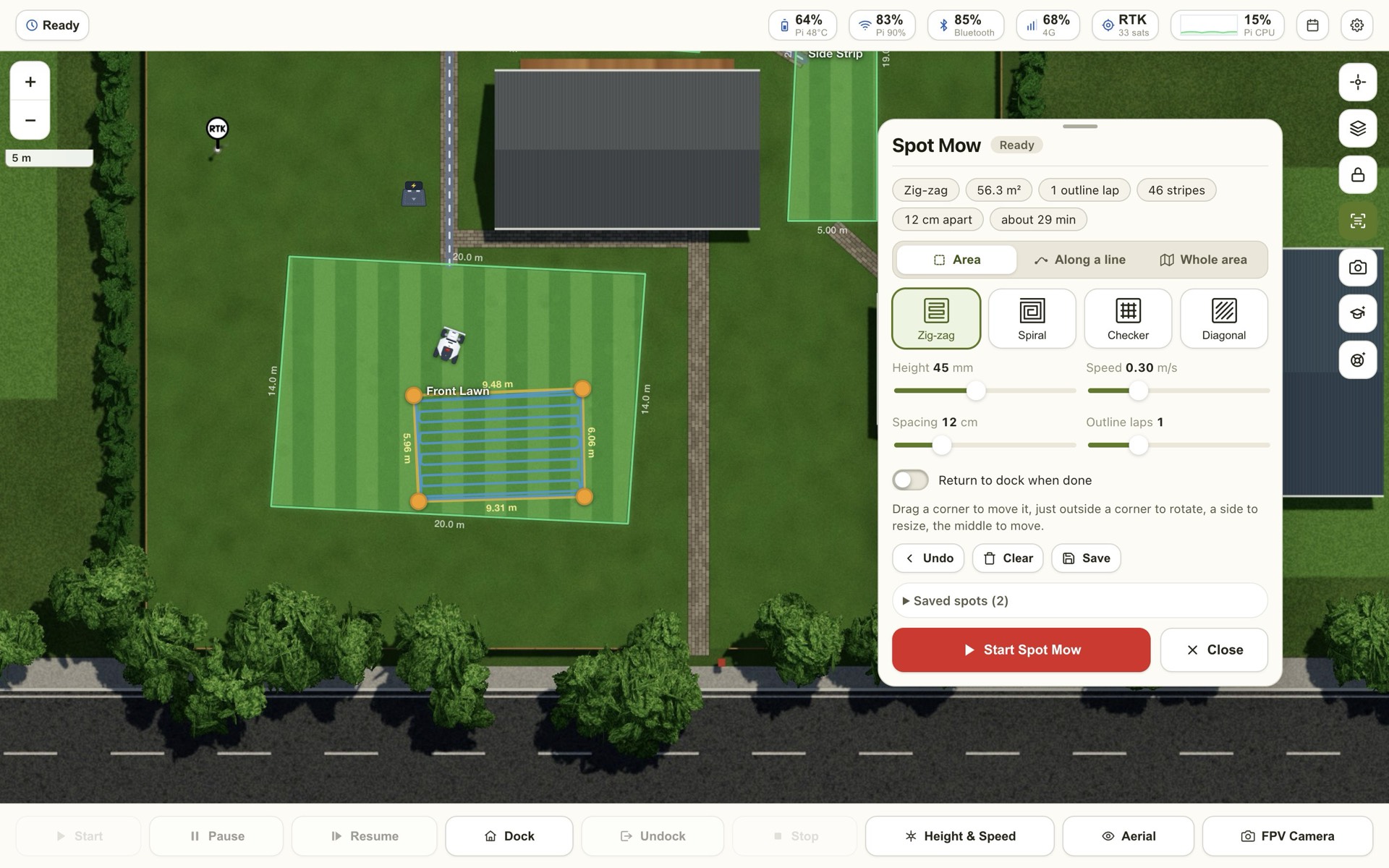
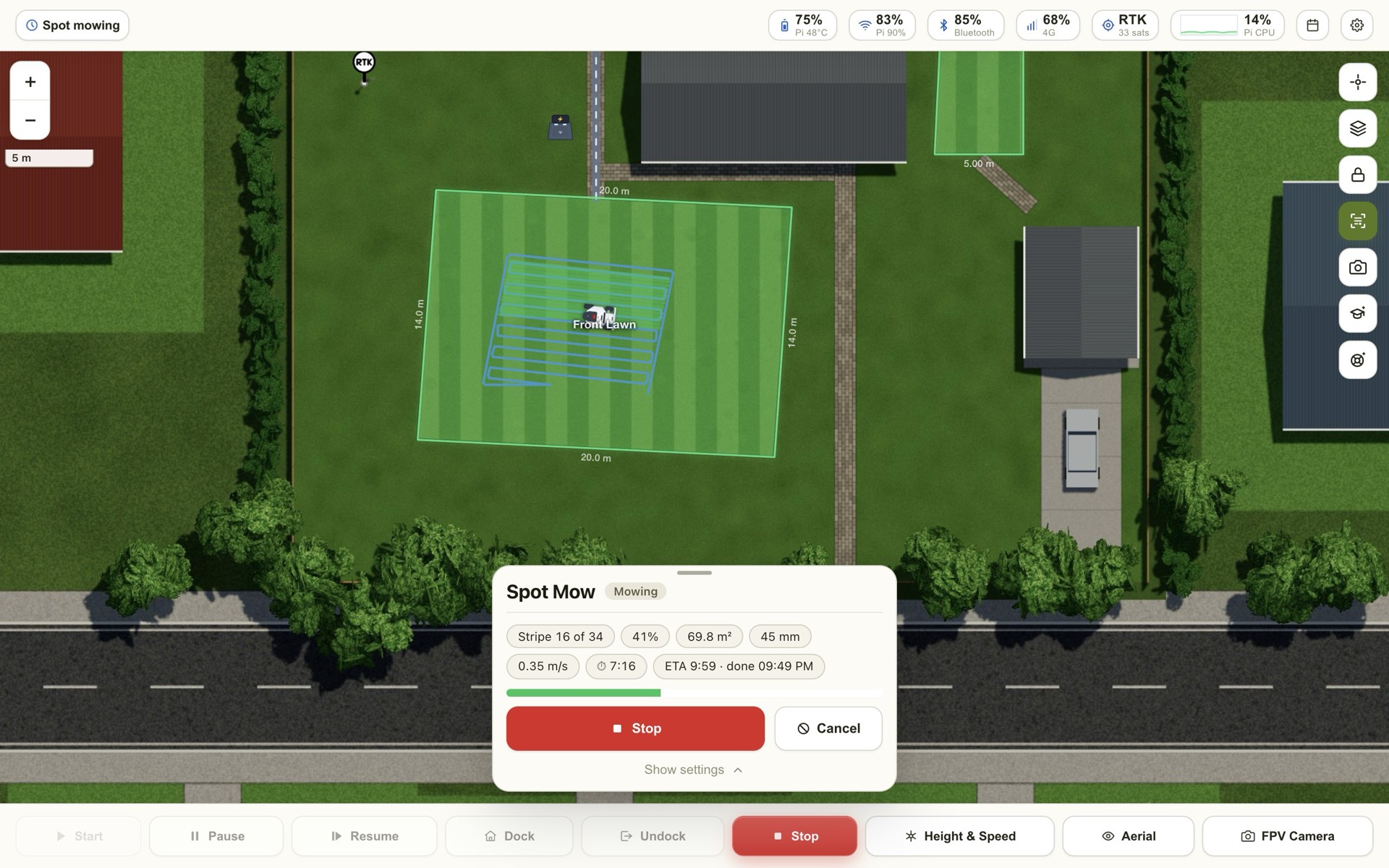
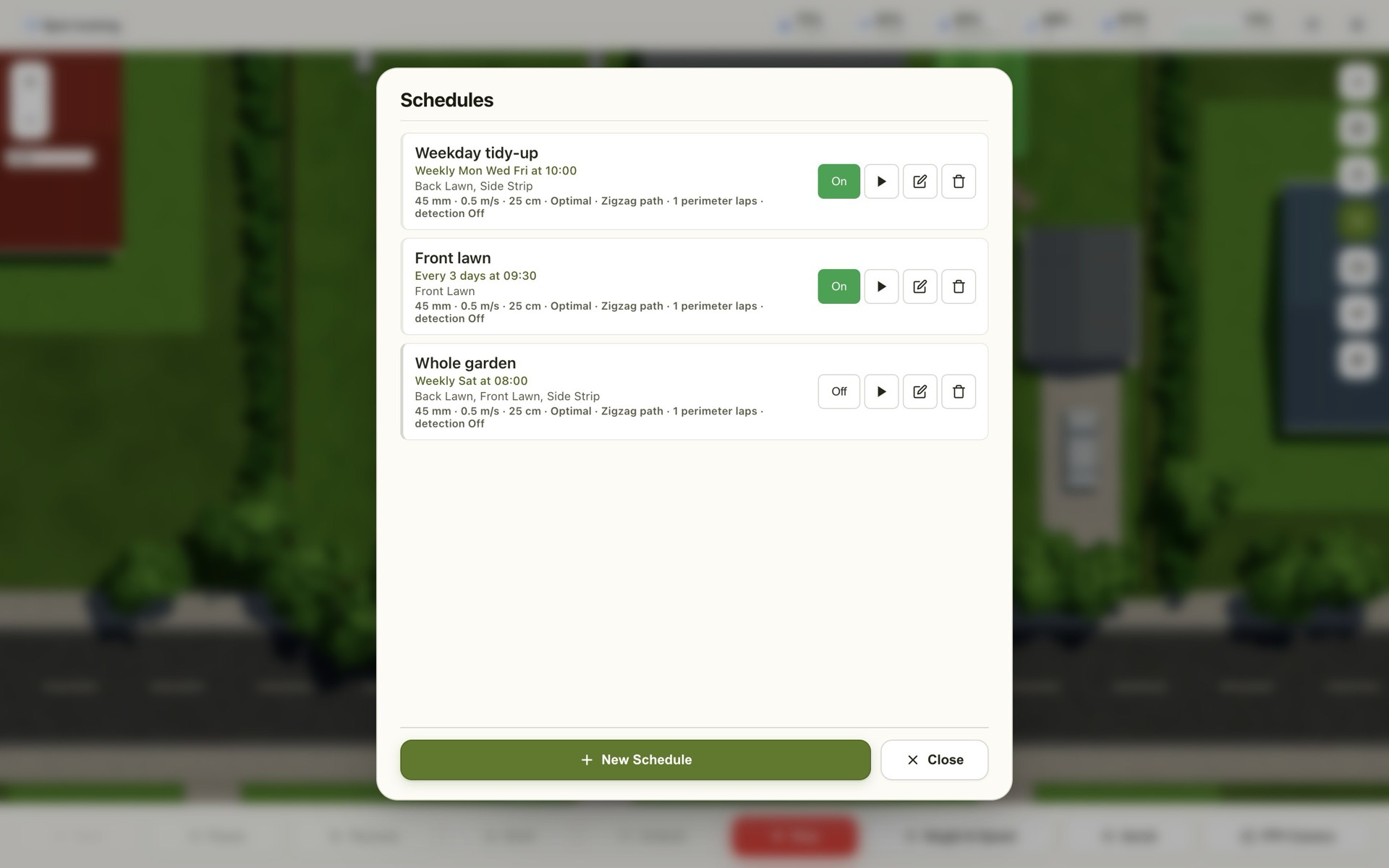
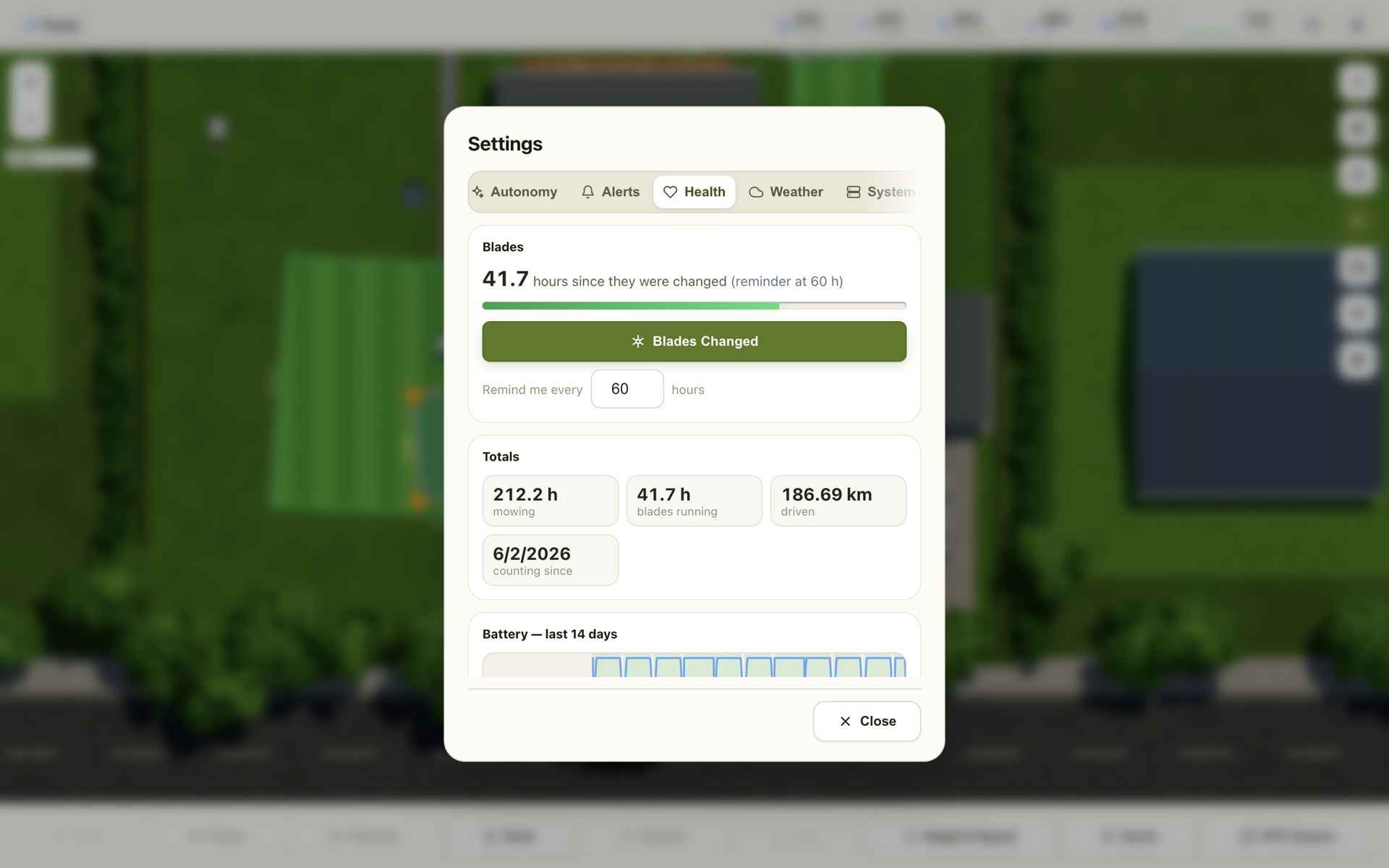
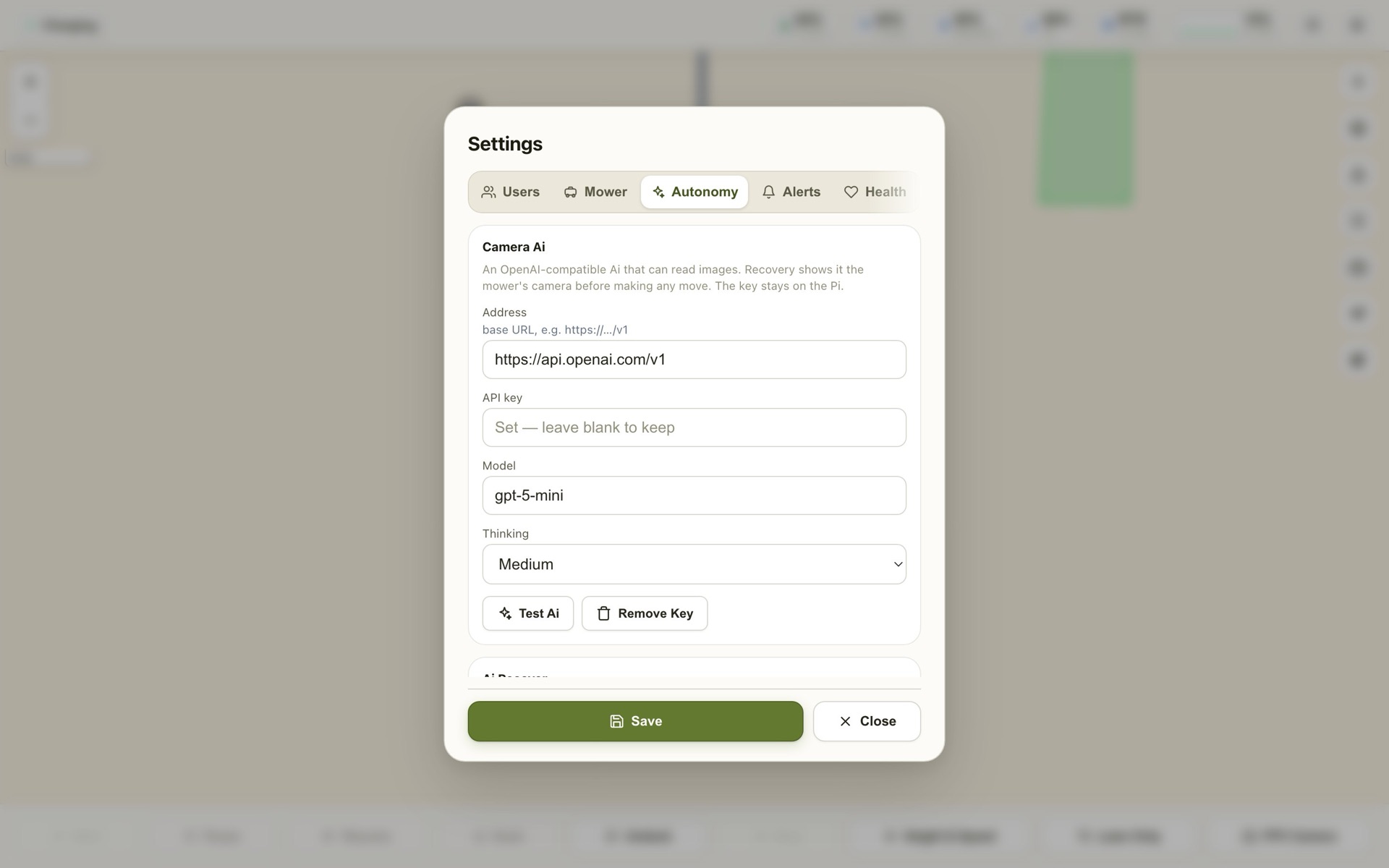
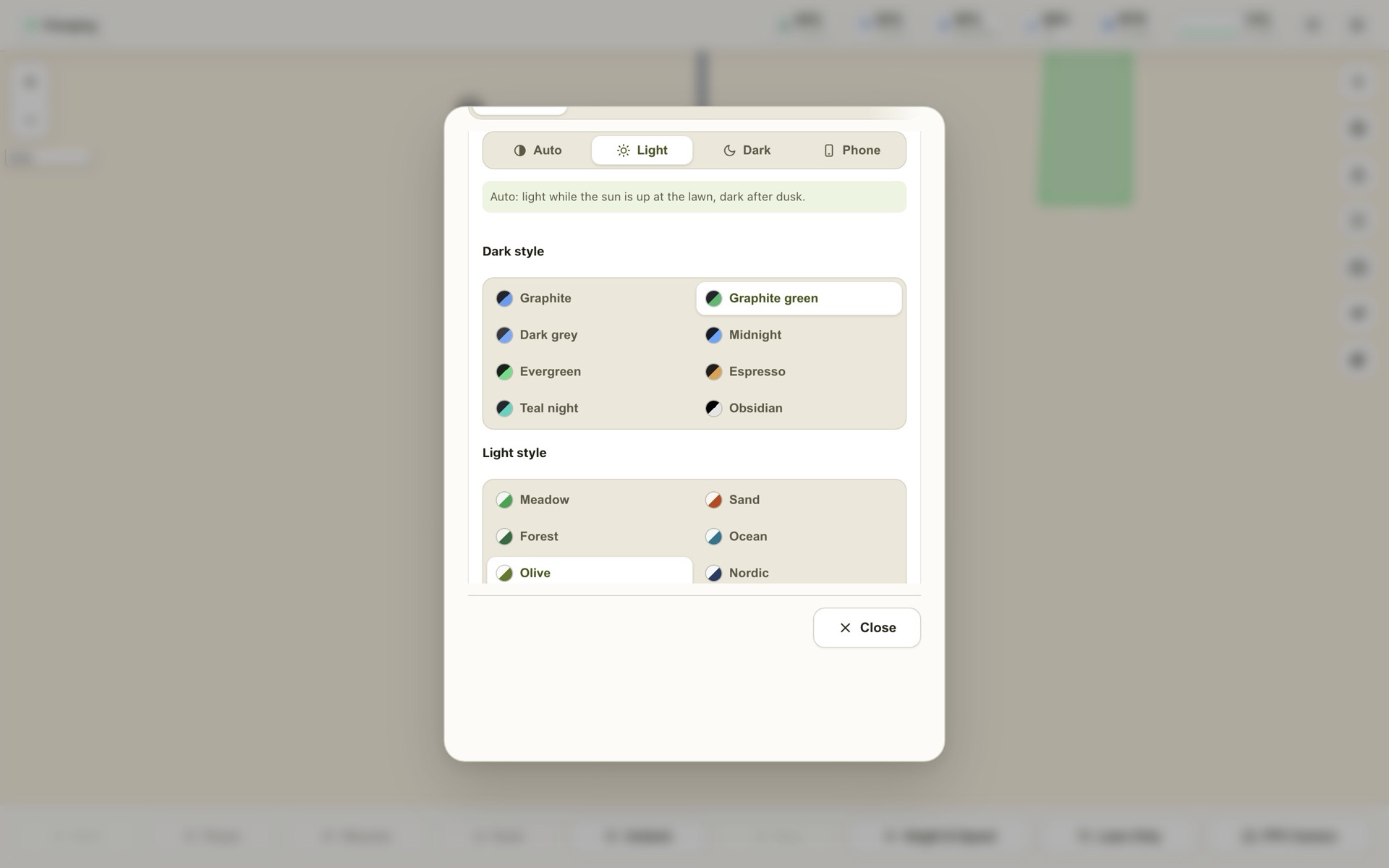
Mow exactly the bit that needs it
Draw on the map with your finger and press Start. LuLuMate plans neat stripes, keeps clear of the edges, and follows its progress live.
- Shapes, strips along a line, or a whole lawn area
- Stripe spacing, height, speed and outline laps
- Carries on where it stopped — even after a restart
- Finds the patches a mow missed and mows just those
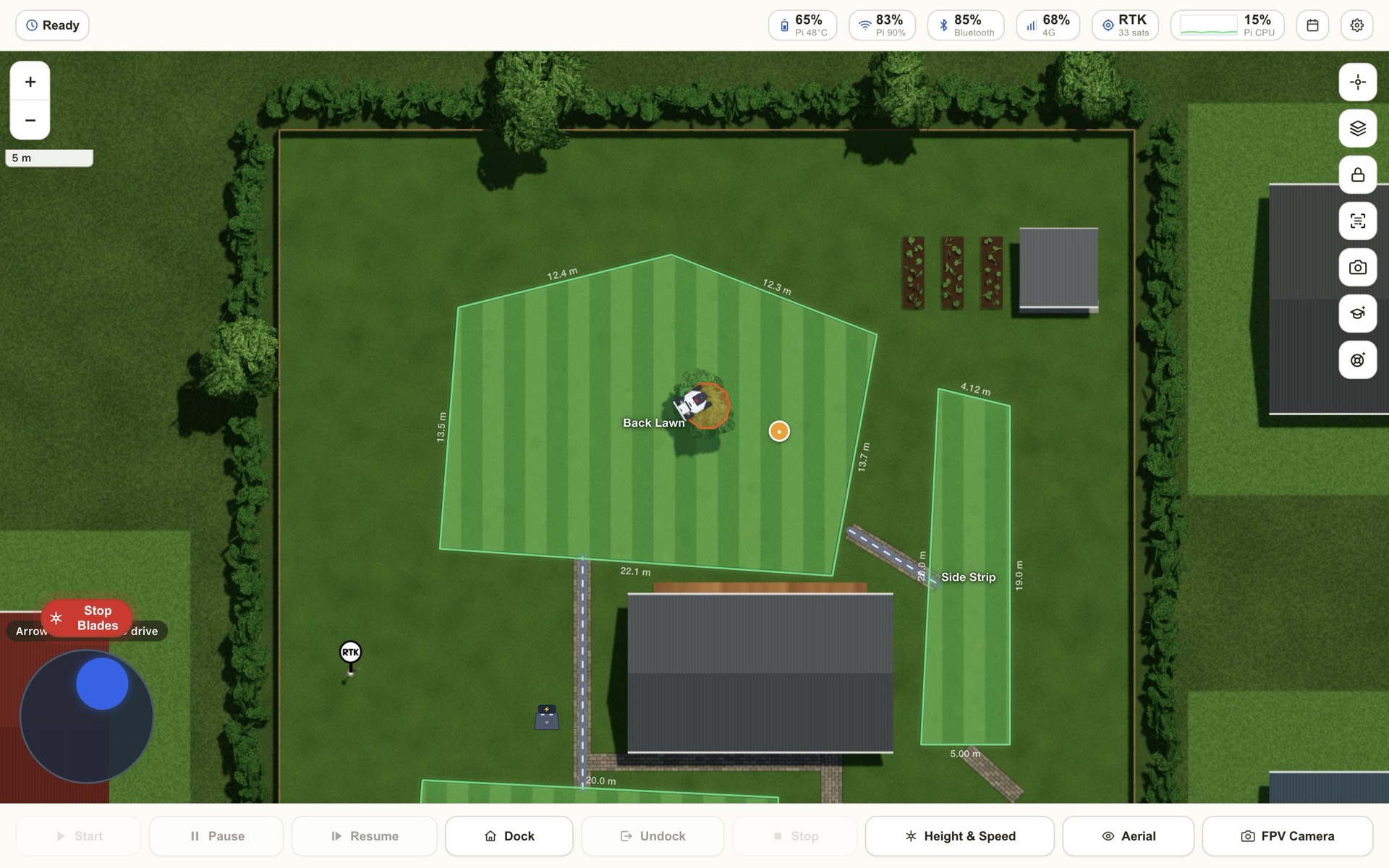
When it bumps into something, it sorts it out
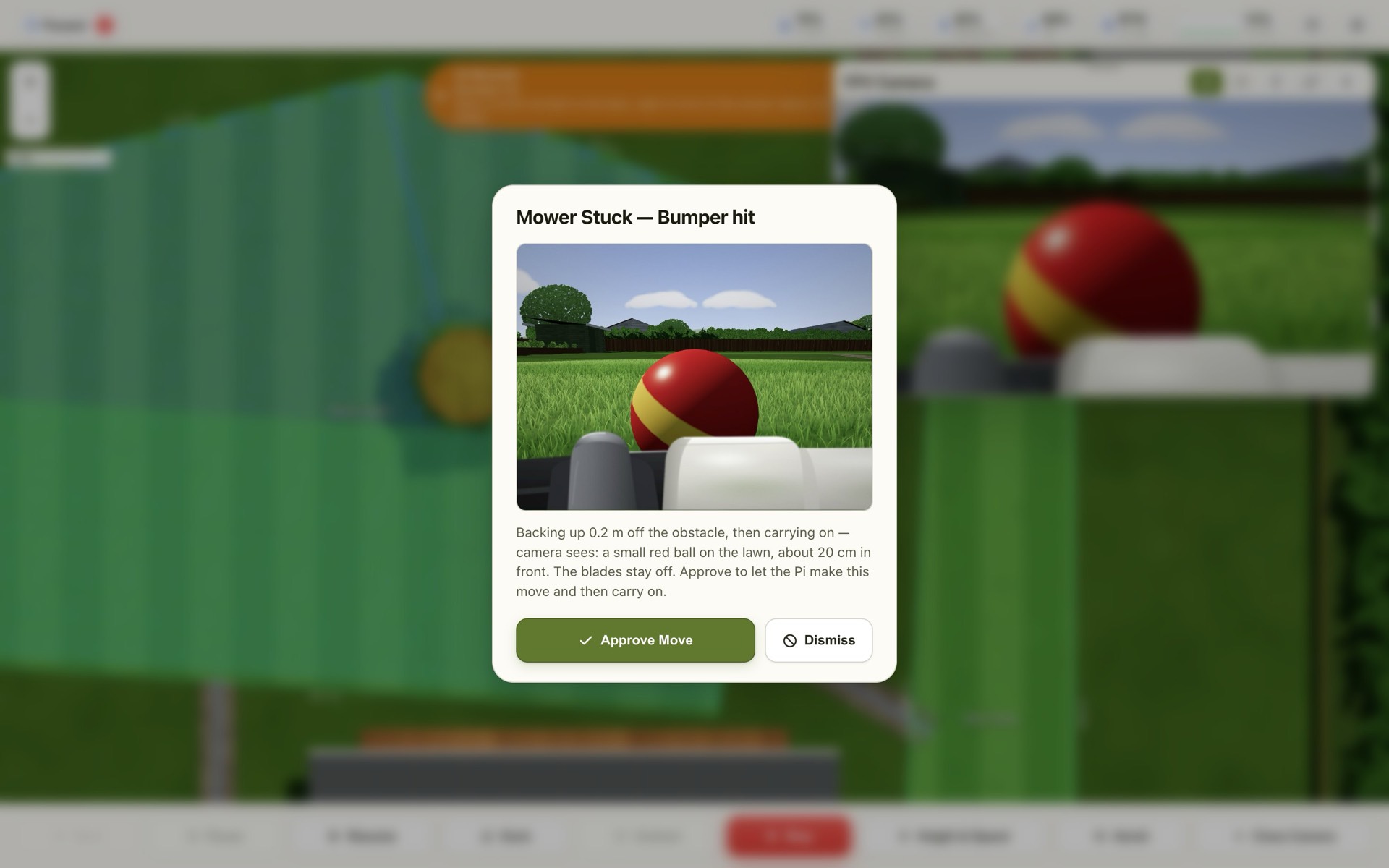
A toy on the lawn, a branch, a hose. The mower stops, looks with its camera, tells you what it sees — and with your OK it backs off and carries on.
- An alert with the picture and what the Ai sees
- Ask first, or let it handle things by itself
- Blades off, small careful moves, and one-tap Stop
- Teach it your garden with Ai Training
Safe, private, and looked after
It runs on the unit on your mower, on your own Wi-Fi. Your maps, camera and history never leave home.
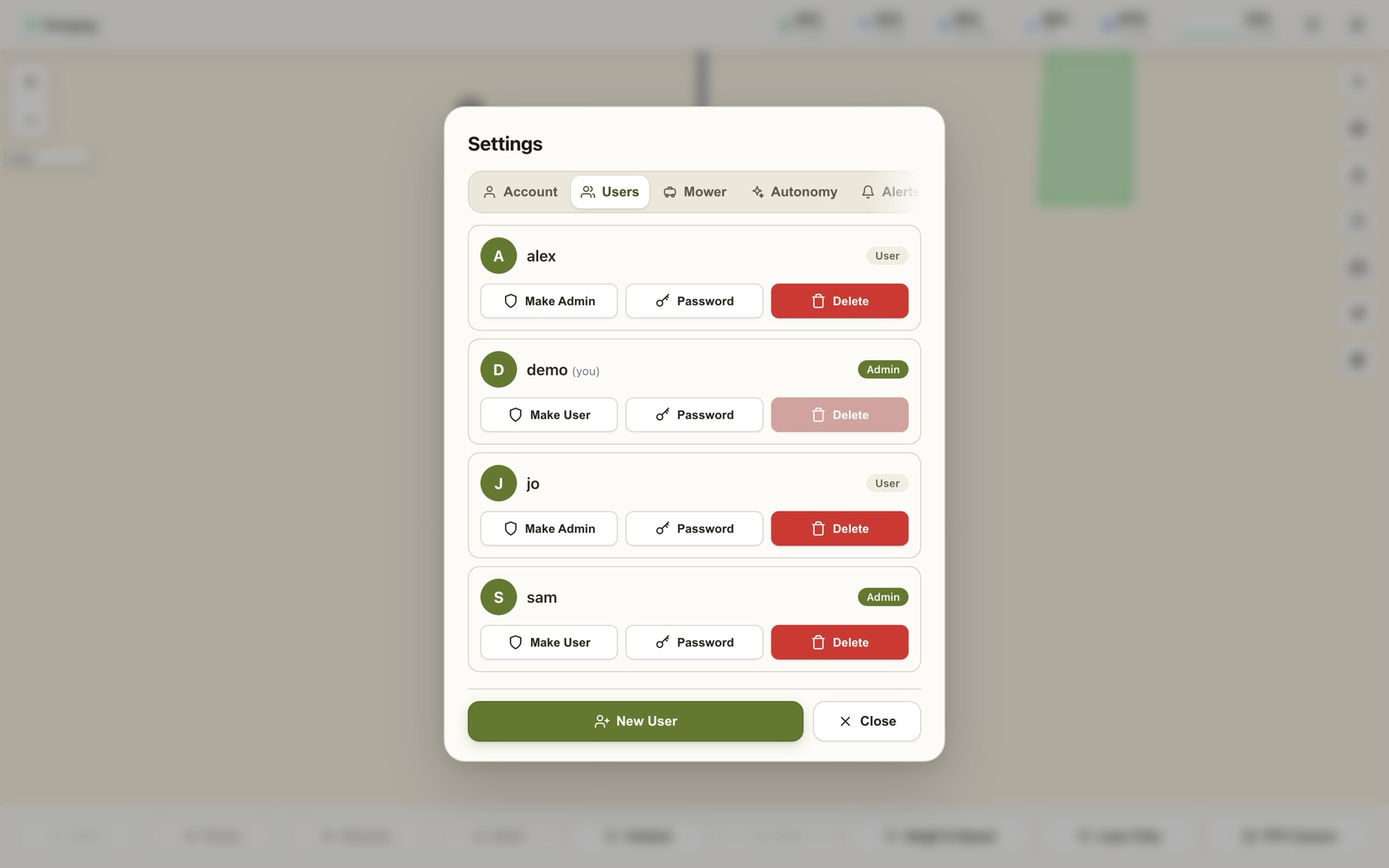
- Every move stops the instant a bumper, lift or tilt sensor trips
- RTK signal map shows where your position fix is weak
- Signed updates install overnight and roll back by themselves if anything's wrong
- Sign-in for every person, with admin and user roles
Fit it, join it, mow
Fit the unit
It rides on your mower. The fitting guide shows you how, step by step.
Join your Wi-Fi
It opens its own hotspot, LuLuMate-Setup. Join it from your phone and pick your network.
Follow the guide
Sign in to Mammotion, tap your mower, check the map. It finds everything else.
Add it to your phone
Save it to your home screen — it opens like an app, and alerts arrive like any other.
Simple pricing
All prices are in US dollars (USD).
LuLuMate Unit
Ready to fit. Plug in, join your Wi-Fi, follow the setup guide.
- LuLuMate installed and tested
- Weatherproof mounting kit
- Setup hotspot and guide — no computer needed
- 12 months of updates and support included
- Free shipping within New Zealand
LuLuMate DIY
Install it on your own Raspberry Pi 4 or newer.
- Install package and guide
- Works on a Raspberry Pi 4 or newer
- 12 months of updates and support included
- Download straight away
Updates & Support
Keep getting new features and help, year after year.
- Every new version, installed automatically
- Help by email
- Cancel any time
Good to know
Which mowers does it work with?
LuLuMate works with Mammotion LUBA mowers that are already set up in the Mammotion app, with an RTK reference station. If you're not sure about your model, ask us before you order.
Do I still need the Mammotion app?
Keep it installed: you use it to map your lawn and to share the mower with LuLuMate. After that, day-to-day mowing, spot mowing, schedules and alerts all happen in LuLuMate.
Where does my information go?
LuLuMate runs on the unit on your mower, on your own Wi-Fi. Your maps, camera, history and settings stay on it. It talks to Mammotion's service the same way the Mammotion app does, and to our update server to fetch new versions.
Is it hard to set up?
No. The unit starts its own Wi-Fi hotspot the first time; join it from your phone, pick your home Wi-Fi, then the setup guide signs in to Mammotion, finds your mower and checks your map. Most people are done in 10 minutes.
Ready when you are
Order now, or leave your email and we'll tell you about new features and stock.